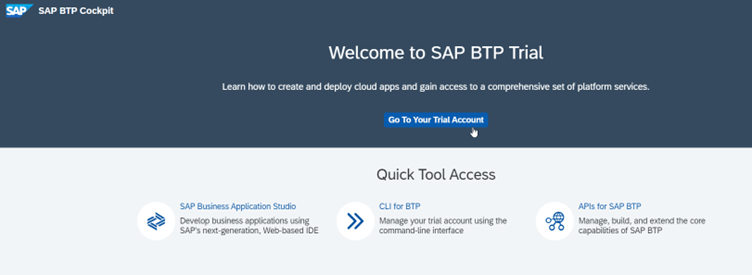
Go to the Trial account in SAP BTP Cockpit
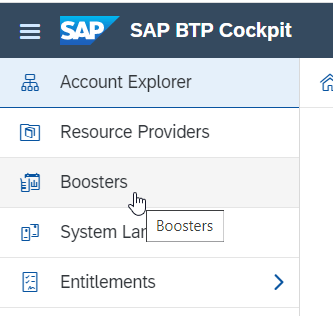
Go to Boosters
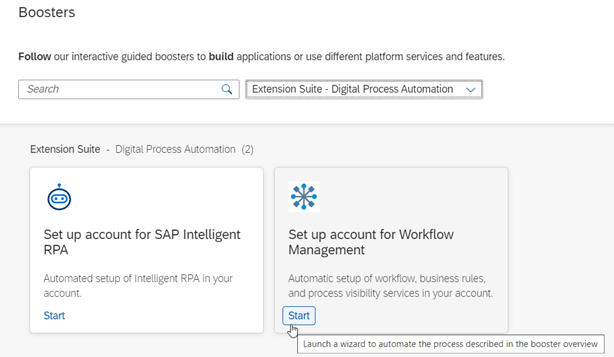
Select Booster type as “Extension suite – Digital Process Automation” and click on the Start button on the tile “Set up account for Workflow Management” as shown below
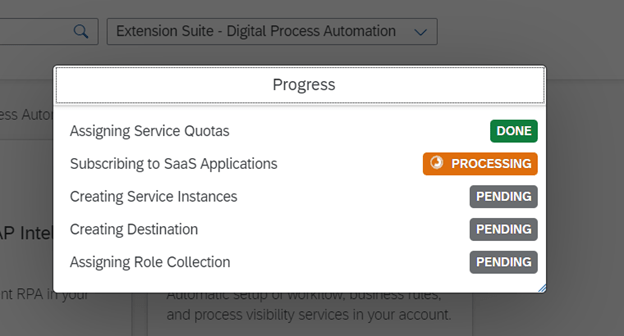
Wait until the entire setup is complete
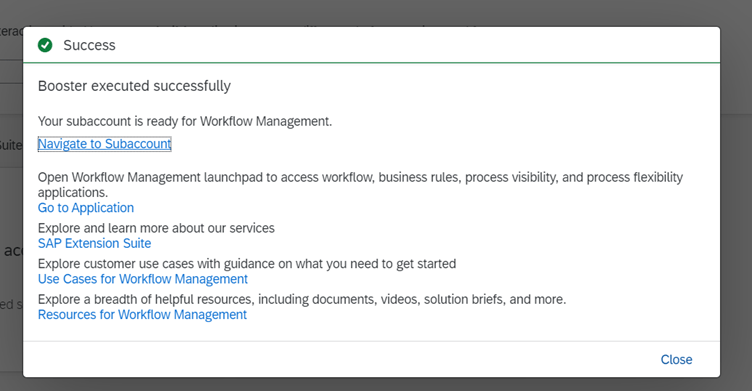
You will see the below screen once the setup is completed successfully
Click on “Go to Application” in the above screen and you should see the below screen. Close the Booster success pop-up
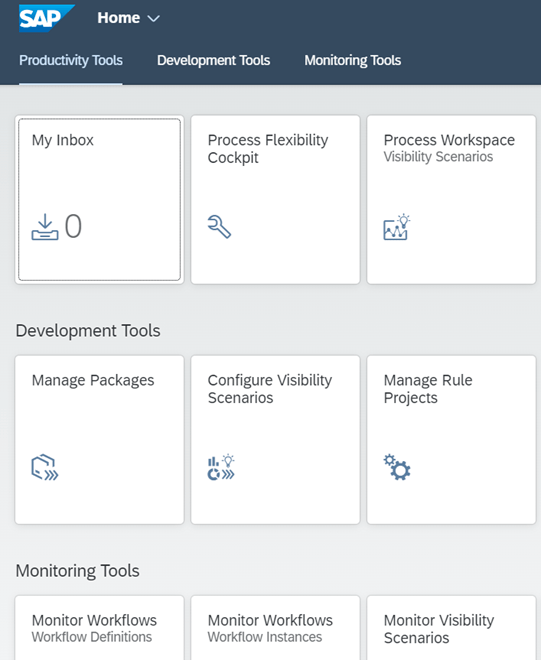
Your setup is complete
 Elide Blogs
Leave a comment