
Introduction
In this blog, we will start learning about Data Dictionary, which is also known as DDIC. Data Dictionary can be accessed using transaction code SE11.
What is Data Dictionary?
In SAP’s own language, Data dictionary holds the objects used in application development and shows how they are mapped to underlying database. It helps in storing data with the help of below objects:
- Tables
- Views
- User Defined Types (also known as Types)
- Data Elements
- Structures
- Table Types
- Domains
- Search Helps
- Lock Objects
What is User Defined Type?
A user defined type (UDT) is a data type that is used to create new customized data type using existing data type. Example: Data element, Structure, Table types.
Data Element
It is used to define the type of a table field or structure. In ABAP programs, it is used to define the type of a variable or a constant (variable with a fixed value).
Structure
It is collection of components (both fields as well as other structures) and holds data on runtime.

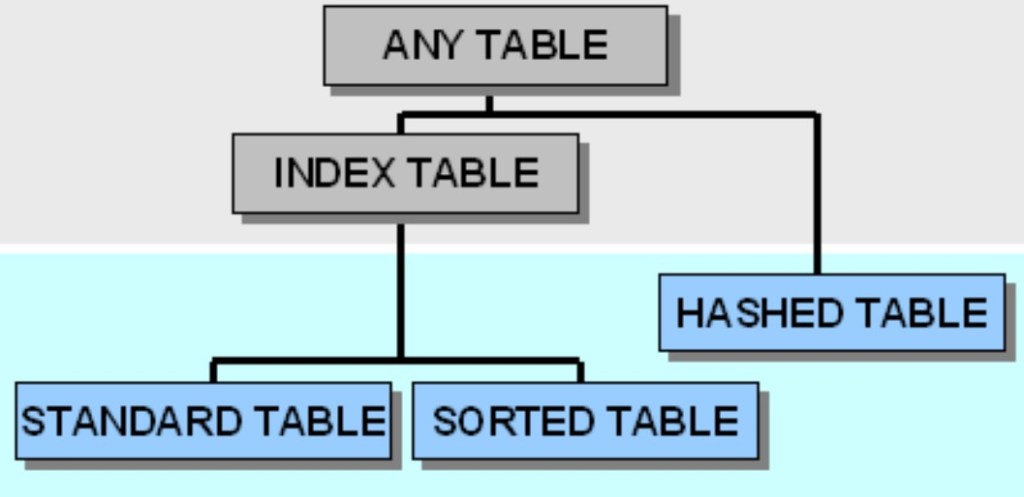
Table Types
In SAP’s own language, it describes structure and functional attributes of an internal table in ABAP.
Domain
It defines the technical properties and length of data element. It also defines a value range. We can use it to provide fixed values for a data element.

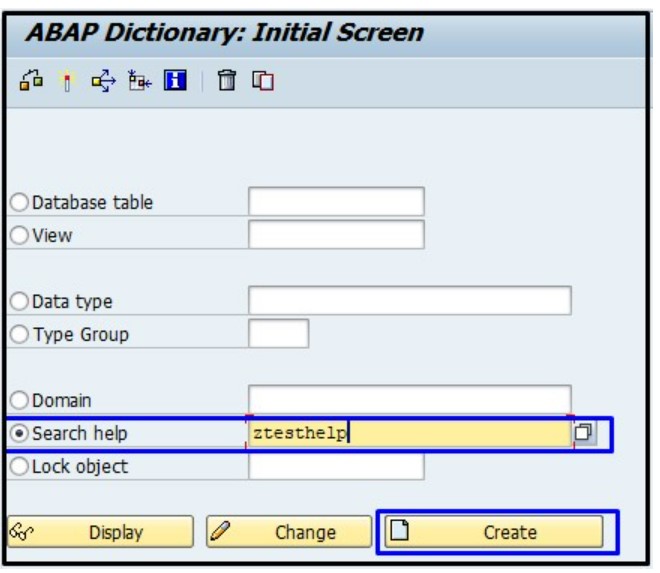
Search Help
It is used to provide input help for a screen field.
Lock Objects
This object is used to prevent data inconsistency when data is modified in the database.

 Elide Blogs
Leave a comment